An AI assistant that does the work, not just the talk
We set up a private assistant on OpenClaw, connect it to the chat apps your team already uses, and give it the email, calendar and file access it needs to finish tasks and report back.
Most AI tools stop at the suggestion
A chat assistant can tell you what to do next, but someone still has to move the meeting, send the email and chase the invoice. And when the assistant only lives in one app, it misses most of the conversations where work actually arrives.
- Answers that still need a person to act on them
- Work arriving across WhatsApp, Slack, email and calendar
- The first hours of the day spent sorting the inbox
- Leads and messages that wait until someone is online
What we build
We deploy OpenClaw on a dedicated server and connect it to your chat apps with one shared memory. It gets access only to the tools it needs, so a request like moving a meeting and telling the client is carried out end to end and reported back in the same chat.
- Private OpenClaw deployment on a dedicated server
- WhatsApp, Telegram, Slack, Discord, Signal and iMessage, sharing one memory
- Custom skills for your workflows, each reviewed before it is switched on
- Scheduled checks and briefings, so it acts without being asked
- Least-privilege access, encrypted secrets and monitoring after launch
How the engagement runs
Discovery call
We map your process, your tools and what success looks like.
Written proposal
Scope, timeline and price in writing, before any work begins.
Build and connect
We set up your assistant on OpenClaw and wire it into your apps.
Launch and support
Tested, documented, monitored and improved after go-live.
Related work
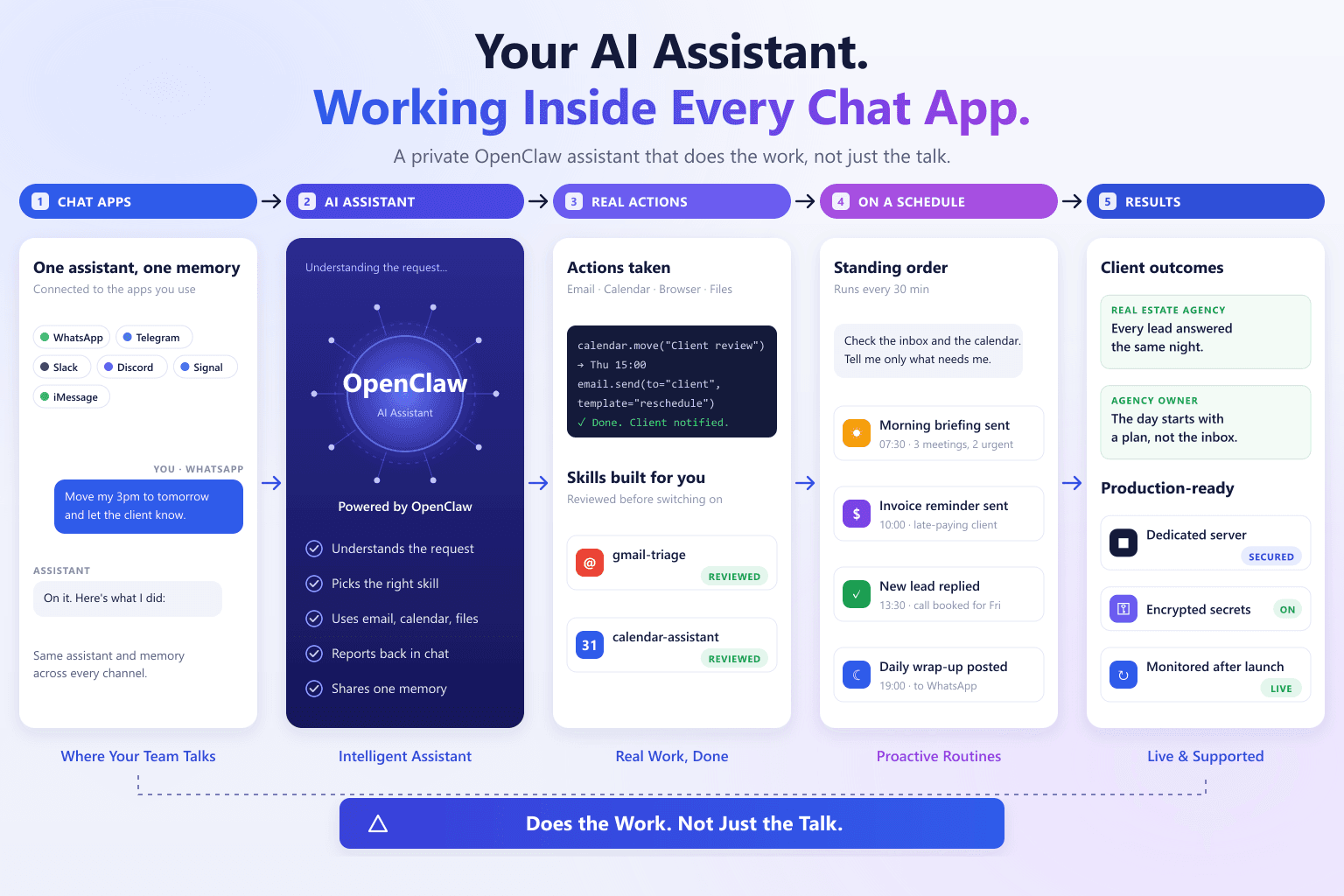
Does the Work, Not Just the Talk: Octolade AI Assistant
A private AI assistant inside WhatsApp, Telegram and Slack that handles email, calendar and follow-ups on its own.
Read the case study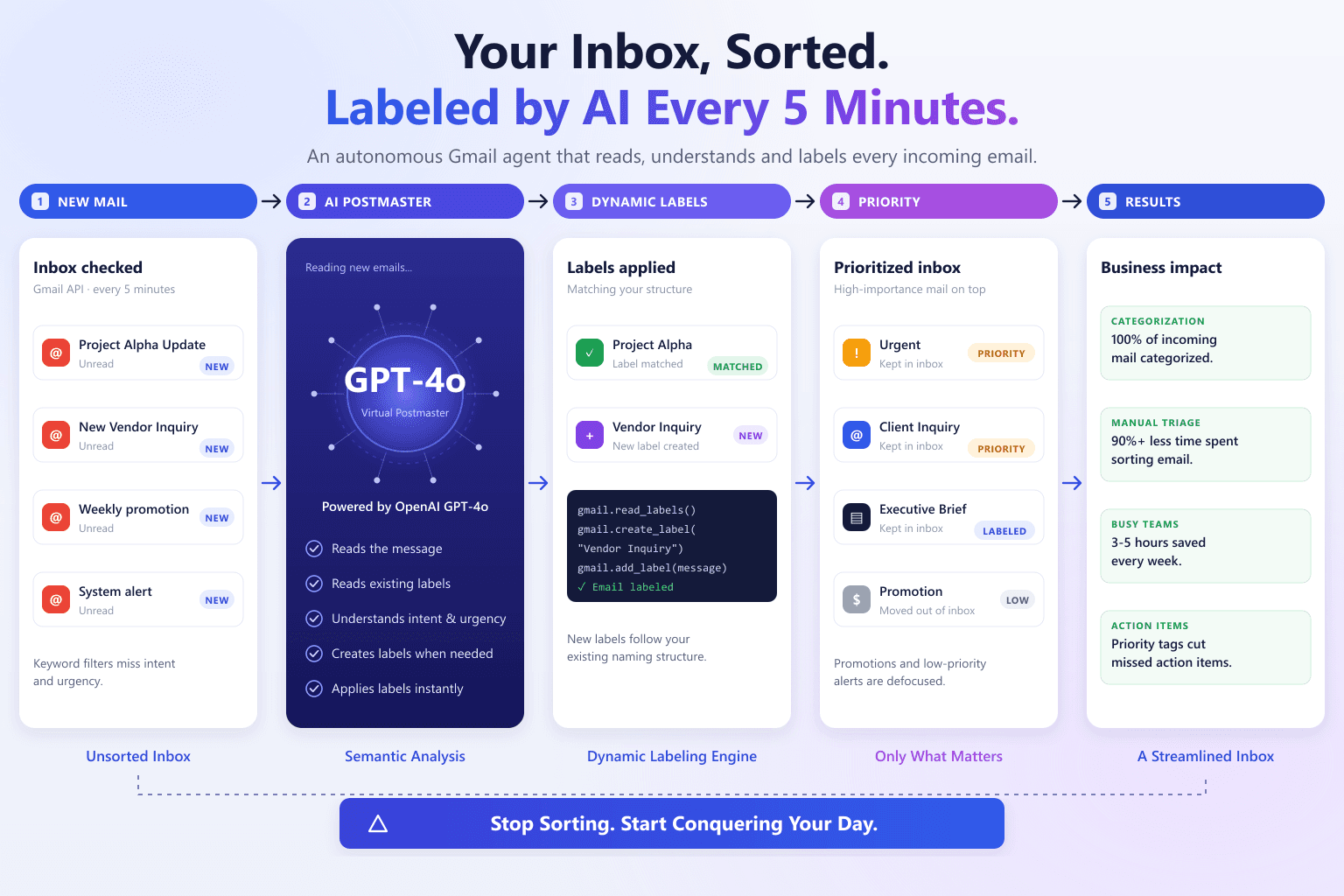
AI-Driven Gmail Architect
Reclaiming the Inbox through Intelligent, Real-Time Email Orchestration
Read the case studyFrequently asked questions
What is OpenClaw?
Which apps can the assistant work in?
What can it do on its own?
Is our data safe?
Which AI model does it use?
Tell us what you want to automate
A short call to scope the workflow, followed by a written proposal with scope, timeline and cost before any work begins.